Make your JavaScript framework work for search and AI
React, Vue.js, and Angular can render content that crawlers miss in the initial HTML. Prerender makes that content, along with links, metadata, and structured data, accessible without crawlers executing JavaScript.
Explore prerendering for your JavaScript framework and improve machine access without rebuilding your website.
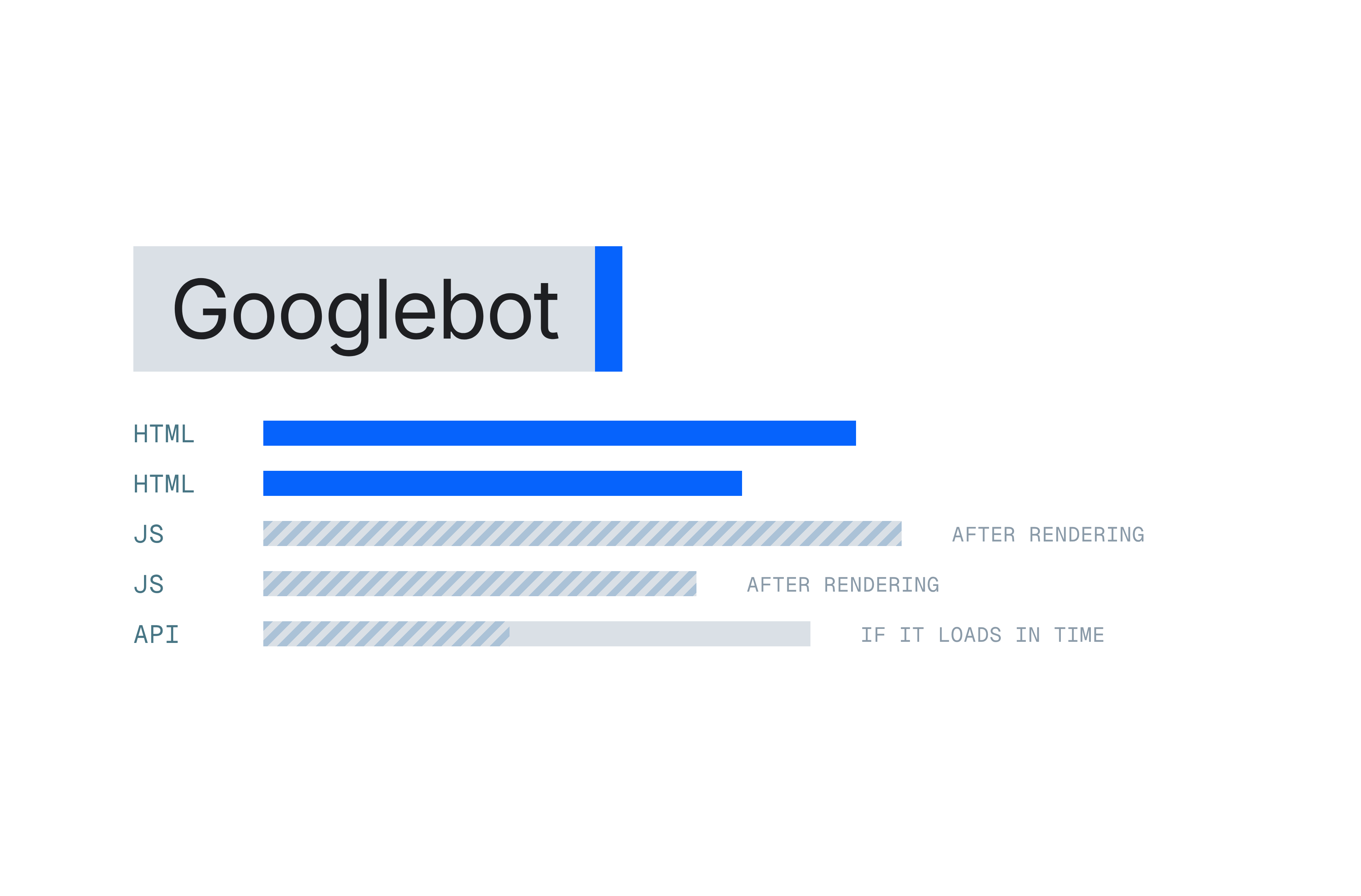
Googlebot
Reads content in the server HTML on the first request.
Sees JavaScript-built content only after rendering, which can happen well after the first crawl.
Sees API-loaded content only if every script, resource, and response loads in time during rendering.
Indexes client-side routes only when it finds a crawlable link to each one and the page renders.
Does not click, scroll, or type, so content that loads only after an interaction is usually missed.
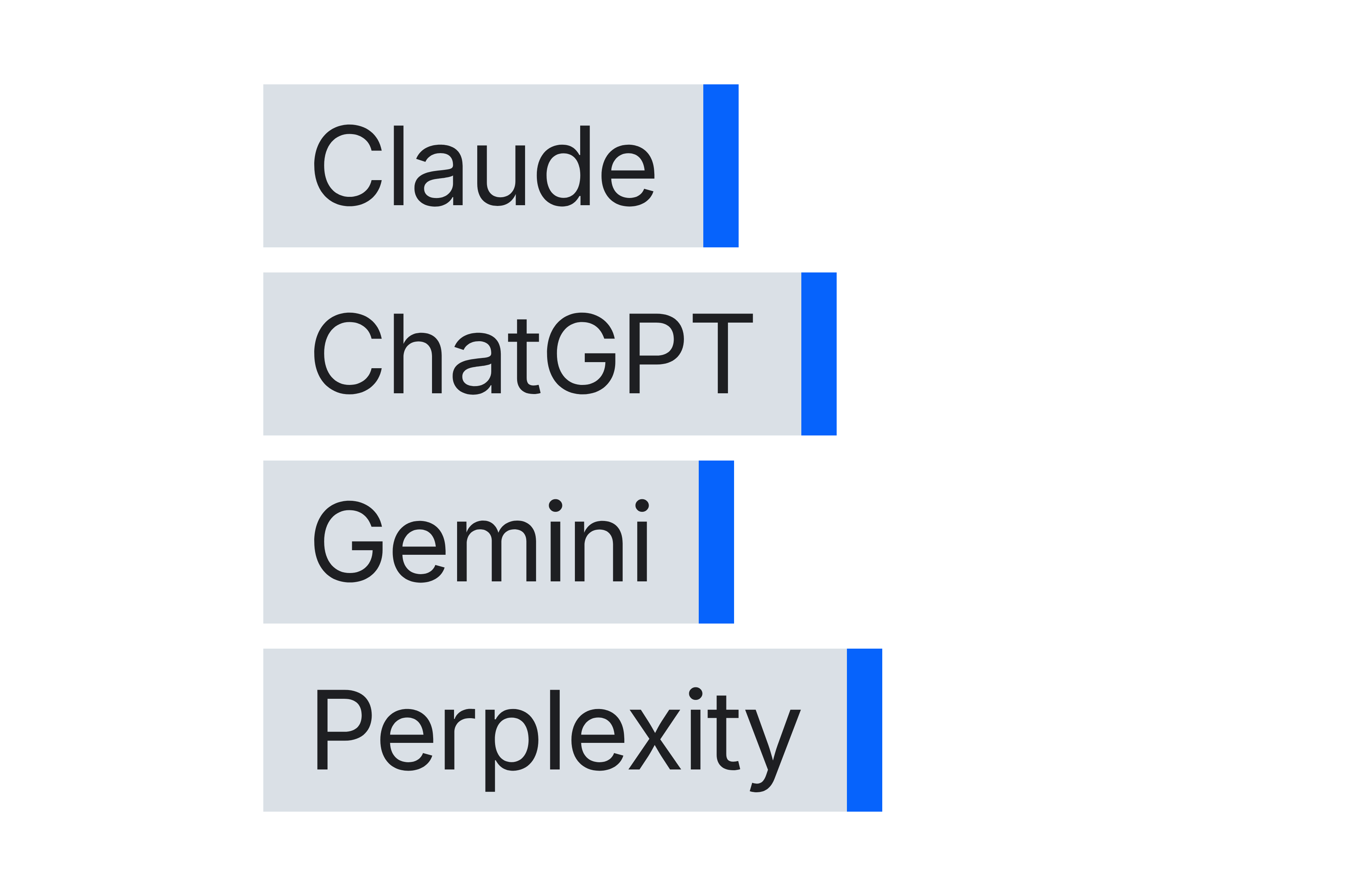
AI crawlers
AI crawlers like GPTBot and PerplexityBot read content in the server HTML on the first request.
Most AI crawlers don’t run JavaScript, so content built in the browser never reaches them.
Most AI crawlers miss API-loaded content, because they never run the scripts that request it.
AI crawlers often can’t find pages reachable only through client-side routing, so they never request them.
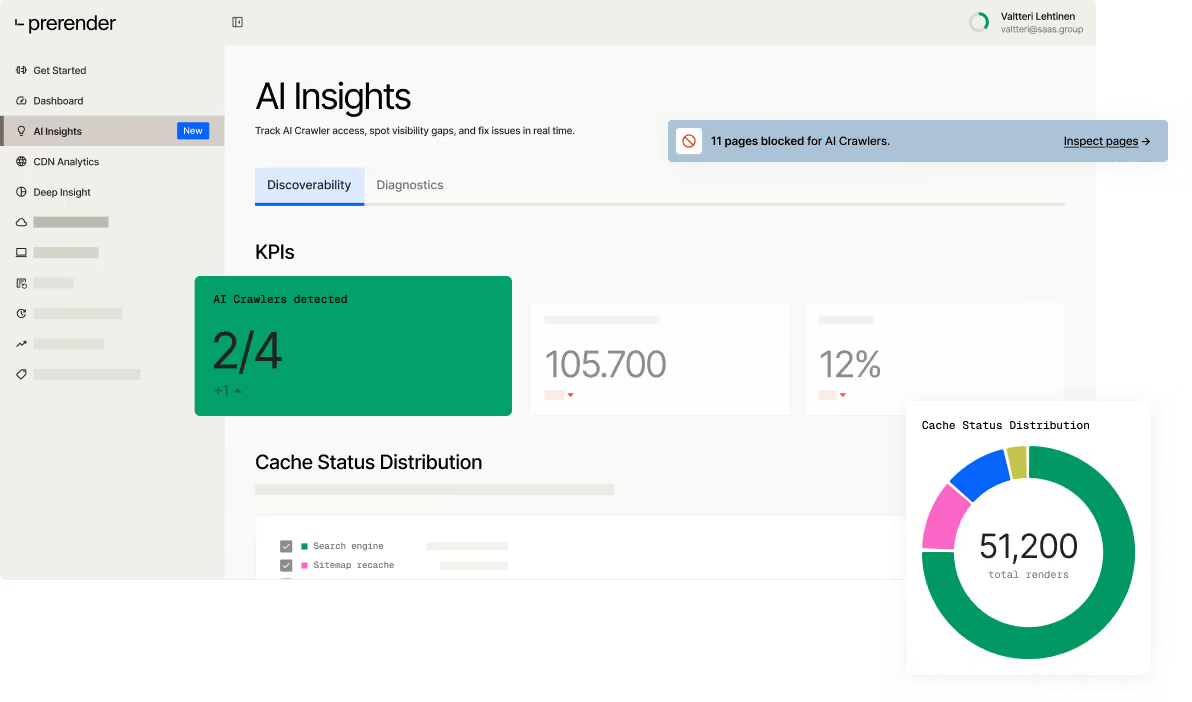
The benefits of JS with crawler-ready HTML
Your frontend can remain interactive for visitors and readable for crawlers. Prerender works outside the framework itself, so your team can improve technical access without replacing an application that already works.
What Prerender does for any JavaScript framework
Make content accessible to search and AI crawlers
Crawlers receive the public content that appears after the JavaScript application finishes rendering.
Serve fast, consistent crawler responses
Return cached HTML instead of requiring every supported crawler to download and execute the application.
Strengthen your technical SEO foundation
Give crawlers access to the page copy, internal links, titles, canonical tags, and structured data they need to evaluate each public URL.
Keep crawler content current
Set recache rules around how frequently your content changes so supported crawlers receive an up-to-date representation of each cached page.