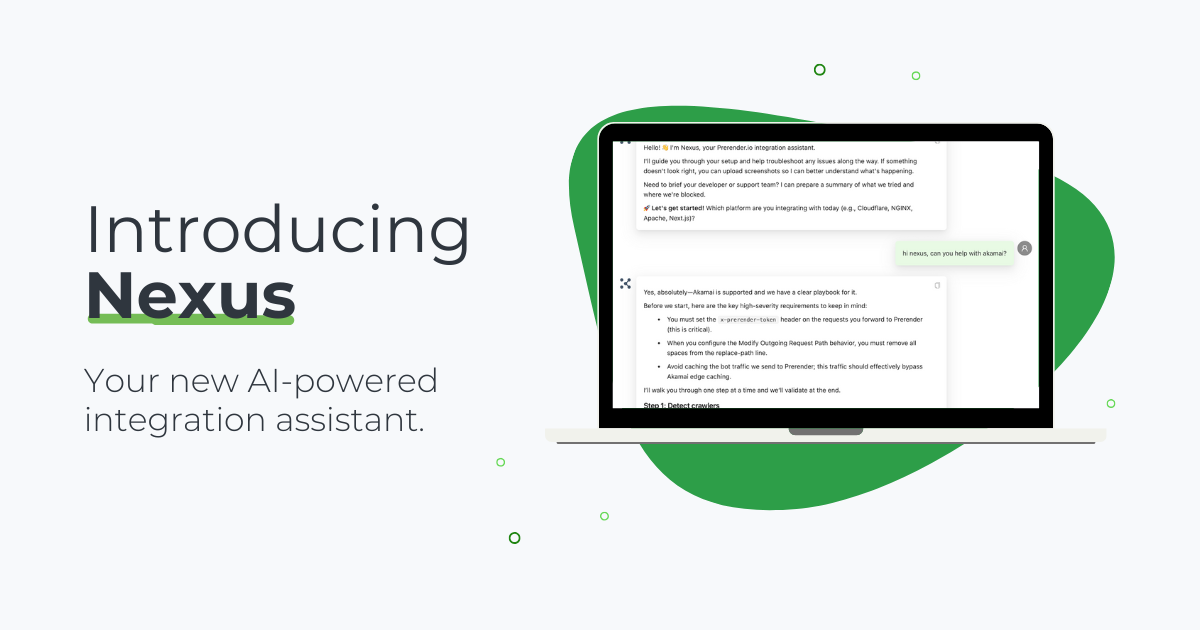
We’re thrilled to launch Nexus, our new AI-powered integration assistant to help streamline the integration process. This AI-powered chatbot is built to help teams integrate faster, reduce setup friction, and eliminate the guesswork with getting your site up and running. Read on to learn more about it.
What Nexus Does
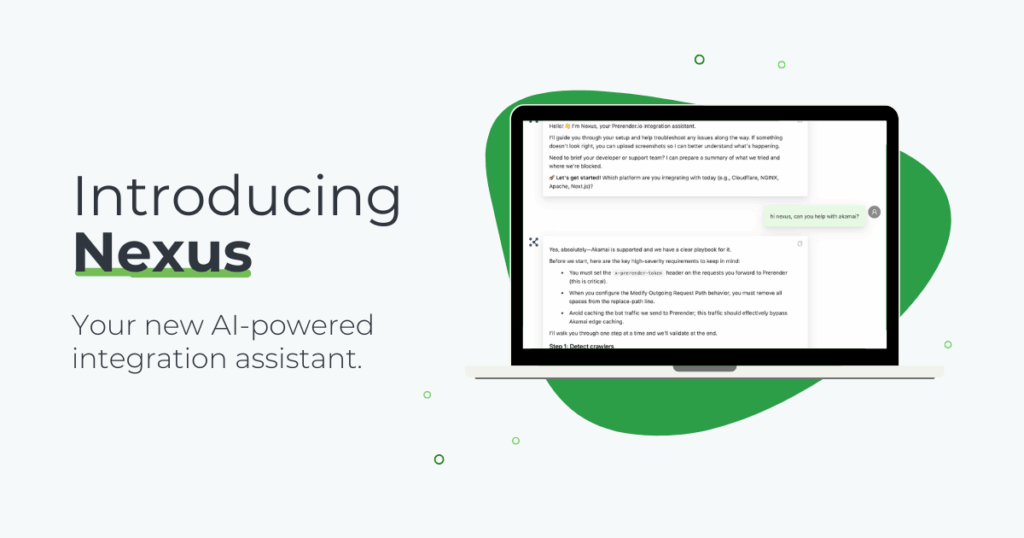
1. Adaptive integration guidance
With Nexus’ AI-powered functionality, you can upload screenshots, ask targeted questions, and get immediate answers.
2. Quick troubleshooting
If something doesn’t look right, you can use Nexus to identify likely causes and suggest fixes.
3. Framework-aware recommendations
Whether you’re using React, Next.js, Vue, or Cloudflare, Nexus adapts its guidance to match your integration environment.
4. Instant support for non-technical teams
Nexus can offer any new user—technical or not—clear implementation steps, reducing any back-and-forth and saving your team on development resources.
Benefits of Using Nexus
Nexus is an optional integration assistant, but here are some benefits for you and your team:
- Integrate in minutes without the guesswork
- No need to wait for answers from support
- Prevent integration hiccups by uploading screenshots
- Make integration easier for non-technical users
- Save on your team’s dev resources
- And more
Nexus gives you a trusted, unified way of getting started—right from day one.
How to Access Nexus
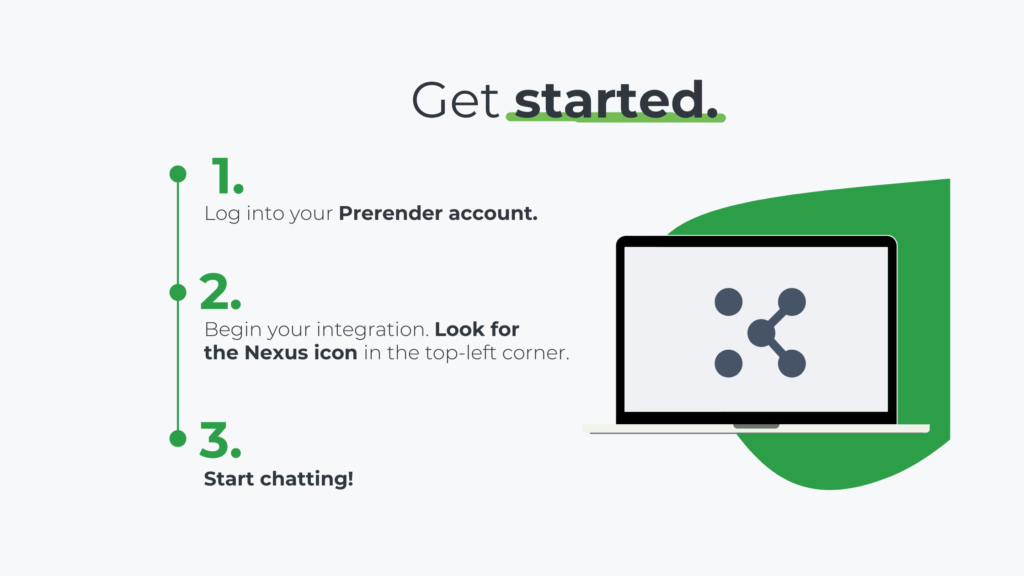
During your integration process, you’ll be prompted to use Nexus on the left-hand side of your screen. (Look for the green box where it says “Ask Nexus for Help”.) From there, simply start chatting: ask integration questions, upload screenshots, and verify your integration.
Important note: Nexus uses OpenAI’s Zero Data Retention setup, meaning the AI model provider is safe, secure, and does not store or train on your messages or screenshots.
Here’s a video walkthrough to give you an idea of how you can use it.
Now Live for All Users
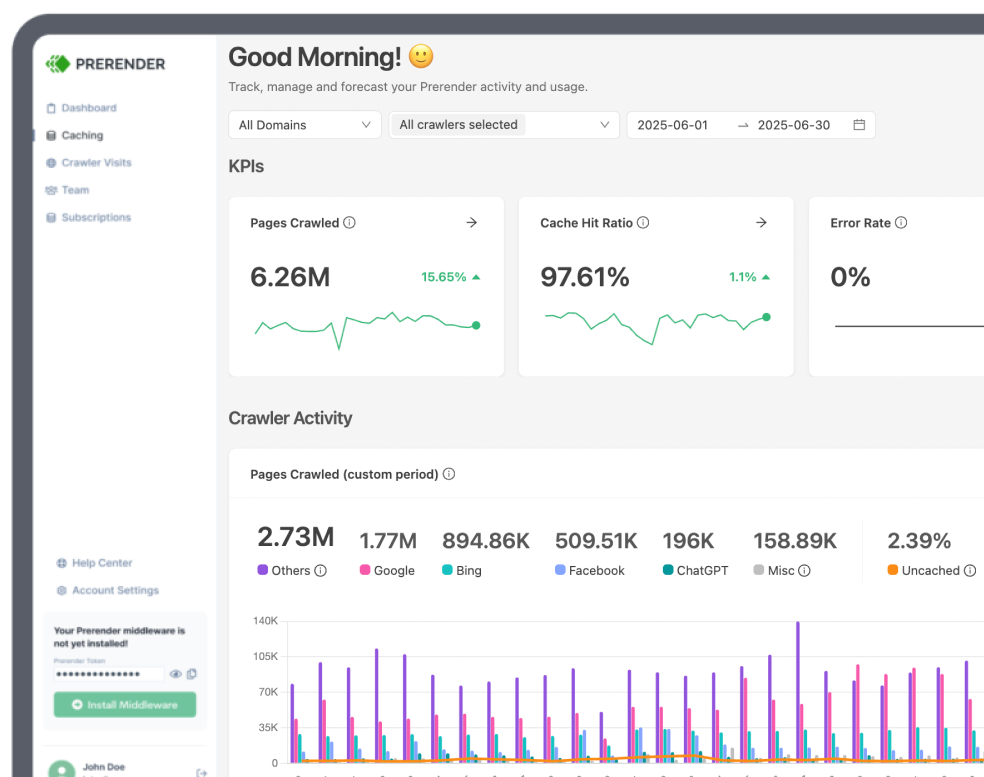
Nexus is available today in your Prerender account. If you haven’t integrated yet, now’s a good time to log in, test it out, and optimize your integration experience.
As we continue improving Nexus, we’d welcome your feedback on what you’d like to see next. Share your feedback via the Support portal on the right-hand side of your dashboard, or via this feedback form.
Happy integrating!