SEO-ready Vue.js
Vue makes it easy to build responsive, component-driven applications. But if your content, links, and metadata only appear after JavaScript runs, crawlers may receive an incomplete version of the page.
Prerender.io turns public Vue routes into complete, cached HTML for search engines and AI crawlers. Your visitors keep the same Vue experience, while your team avoids moving the entire application to server-side rendering.
Vue.js Explained
Vue components produce and update the page in the browser. In a client-rendered Vue SPA, the first response may contain little more than an app shell while JavaScript fetches data, resolves routes, and builds the meaningful content.
Google can render JavaScript, but rendering is a separate processing stage. Other search and AI crawlers have different JavaScript capabilities. If a crawler does not complete that work, it may miss:
Prerender.io gives crawlers the completed result without changing how Vue runs for visitors.

Why Prerender.io for Vue
Give crawlers complete HTML and crawlable links for product pages, categories, listings, articles, and other Vue Router destinations.
Serve ready-to-read content to Googlebot, Bingbot, recognized AI crawlers, social bots, and other user agents configured by your team.
Prerender.io operates at the CDN, reverse proxy, or web-server layer. Visitors continue using the same client-rendered Vue application.
Vue.js and Prerender.io
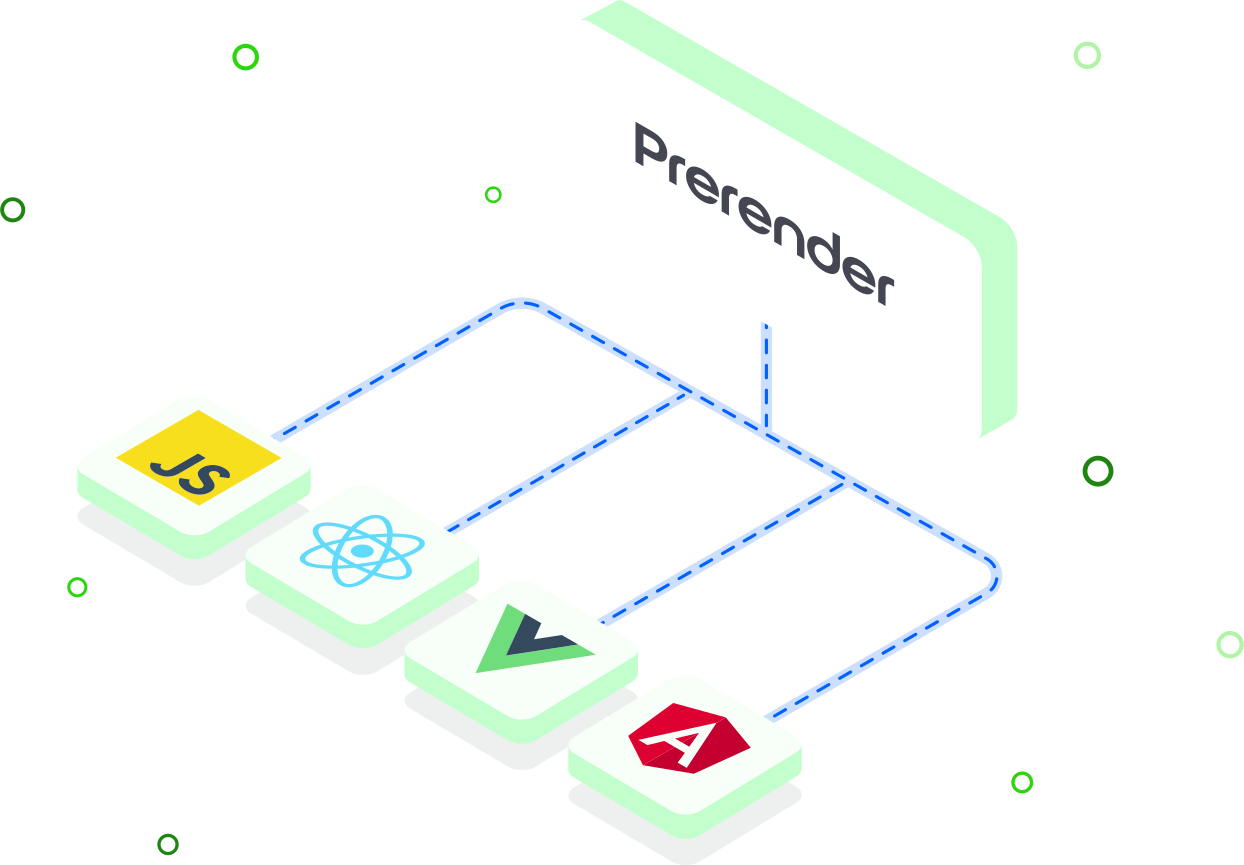
Prerendering gives crawlers a finished representation of the page without replacing the application served to users.
Because Prerender.io sits outside the Vue component tree, the same approach works across Vite builds, Vue Router applications, custom Vue stacks, and client-rendered Nuxt routes.
Rendering options for Vue
Vue supports server-side rendering, but Vue itself recommends using a higher-level framework for a production SSR application because teams must otherwise coordinate server and client builds, routing, data fetching, state, and hydration.
Nuxt provides universal, client-side, static, and hybrid rendering options. Where those modes already return complete HTML, Prerender.io is optional rather than required, though serving a cached copy can still return the page to a crawler milliseconds faster than generating it on request. It matters most when an existing Vue application is still client-rendered, or when only part of a Nuxt site returns complete HTML.
Approach | Best fit |
|---|---|
Prerender.io | An existing Vue SPA needs crawler-ready HTML without a framework migration. |
Nuxt universal rendering | The application is built to return server-rendered HTML and hydrate it in the browser. |
Nuxt prerendering or SSG | Known public routes can be generated during the build. |
Nuxt prerendering or SSG | A Nuxt application needs different rendering or caching rules for different routes. |
The best choice depends on your architecture. Prerender.io is the lower-disruption option when crawler visibility is the problem and rebuilding the Vue application is not the goal.
Prerender.io integrates with the infrastructure receiving crawler requests, not with individual Vue components.
Prioritize routes with independent search value, such as products, categories, listings, articles, documentation, and location pages. Exclude authenticated dashboards, account areas, checkout steps, and personalized content.
For Vue Router, prefer normal URLs using HTML5 history mode. Hash-based routes are not sent to the server as separate URLs and are a poor fit for indexable pages.
Connect Prerender.io wherever crawler requests are handled first. That can be your CDN or edge layer, a reverse proxy such as Nginx or Apache, a Node.js server, or middleware inside the framework itself. Nuxt runs on Nitro, so a Nuxt app can handle this on a Node host, on Netlify, or on Cloudflare without a traditional backend. A plain Vue or Vite build with nothing in front of it has no request layer of its own, so use the CDN or hosting layer there.
Confirm that each route loads its important content without a click, scroll, login, or other user interaction. Verify that API data, async components, metadata, and structured data are present before the rendered result is cached.
Submit a sitemap or URL list so important dynamic routes can be cached. Set recache rules around how frequently the content changes and prevent duplicate query-parameter combinations from consuming unnecessary cache capacity.
Change the browser user agent to Googlebot and inspect several deep routes—not only the homepage. Confirm that the response:
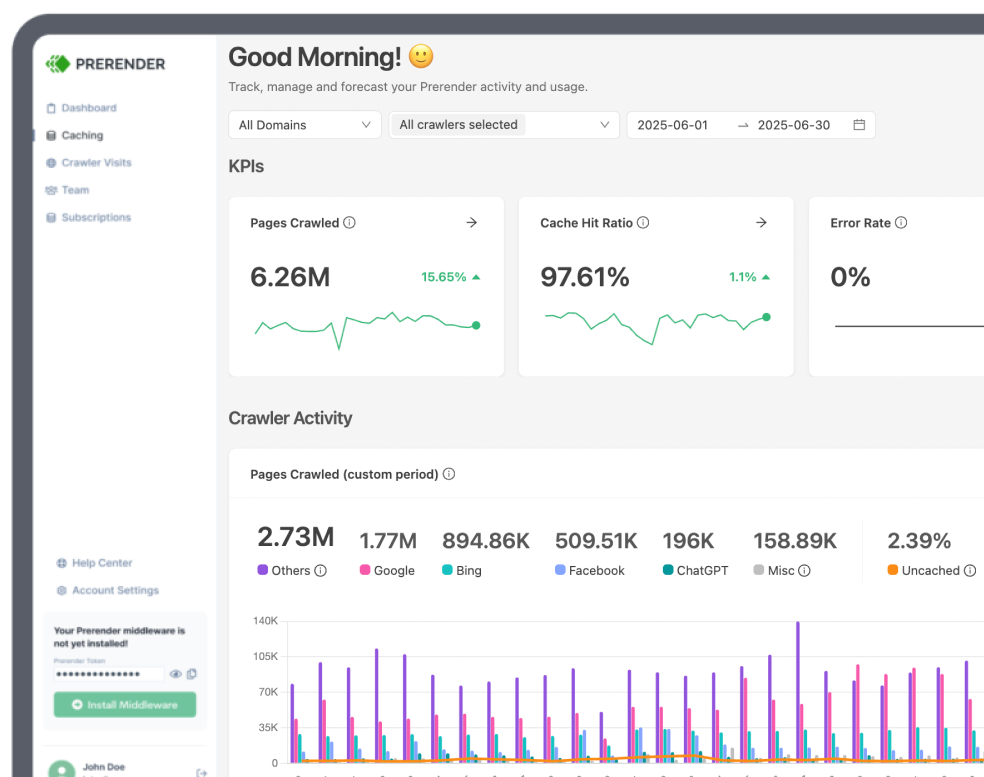
Then review cached URLs and failed renders in the Prerender.io dashboard and inspect important routes through Google Search Console.
AI search visibility begins with a page that the crawler can retrieve and understand. If meaningful Vue content only exists after client-side execution, an AI crawler may receive an incomplete representation of the route.
Prerender.io can serve complete HTML to recognized AI crawlers and additional user agents configured in your integration. This gives them access to the same public text, links, metadata, and structured data that appear after Vue finishes rendering.
Prerendering improves technical access. It does not guarantee that an AI platform will index, cite, or recommend the page; content quality, authority, and each platform’s own systems still determine visibility.

Indexing is really fast thanks to Prerender. At this point, the indexing is on 10k pages per day. For us, that’s perfect.
We were serving Google fully rendered pages across 5700+ URLs per month in no time.
We definitely saw an uptick in search… It was literally within hours of implementation, and our team was like, ‘Oh, problems solved.’
We’ve seen a strong performance increase after implementing Prerender. This has translated into tangible revenue growth for our business.
Shopping directly in LLMs doesn’t quite exist yet, but it will soon. We’re using Prerender.io® to help us stay visible in AI search when that day comes.
Before Prerender.io, our AngularJS single-page app faced indexing issues. Prerender’s easy integration quickly led to thousands of our pages being crawled and indexed, boosting our organic traffic significantly. Their responsive support was a bonus!
I saw value almost immediately – within about a week. I could see the uptick in Google crawling activity right after implementing Prerender, and the social media previews started working properly. Those were both immediate wins that I really valued.
Enhancing the Pagespeed Insights (PSI) score for my React website was a challenge. Fortunately, I found Prerender. Their easy setup required no additional development efforts… I was elated to see my PSI score turn green!
Indexing is really fast thanks to Prerender. At this point, the indexing is on 10k pages per day. For us, that’s perfect.
We were serving Google fully rendered pages across 5700+ URLs per month in no time.
We definitely saw an uptick in search… It was literally within hours of implementation, and our team was like, ‘Oh, problems solved.’
We’ve seen a strong performance increase after implementing Prerender. This has translated into tangible revenue growth for our business.
Shopping directly in LLMs doesn’t quite exist yet, but it will soon. We’re using Prerender.io® to help us stay visible in AI search when that day comes.
Serve search and AI crawlers complete HTML without replacing the Vue experience your users already know.
All your Vue SPA prerendering questions answered.
Your Vue.js pages may not be indexed consistently because meaningful content is often added after JavaScript runs. Google can render JavaScript, but blocked resources, errors, rendering delays, or interaction-dependent content can affect the result. Other crawlers may execute less JavaScript or none at all. Review the common JavaScript SEO problems, then check the rendered HTML, status code, canonical, robots directives, and internal links.
Dynamic rendering is not automatically better than server-side rendering for Vue; the right choice depends on the application. SSR or Nuxt universal rendering can be a strong architectural choice when your team wants server-rendered HTML for users and crawlers. Prerender.io is often more practical for an existing client-rendered Vue SPA that needs crawler-ready HTML without a migration. Compare SSR and prerendering before choosing.
Yes, Prerender.io is simple to install. The process is completed in three main steps:
You do not always need Prerender.io if you use Nuxt. Routes using universal rendering, SSR, SSG, or Nuxt prerendering may already return complete HTML, which makes a second rendering layer optional rather than necessary — though cached delivery can still trim a few milliseconds off the crawler response. Prerender.io is worth adding when certain public routes use client-side rendering, depend on browser-only data loading, or return incomplete HTML to the crawlers you care about. Test each route’s initial and rendered response before deciding.
Prerender.io can handle Vue Router routes when each public route has a stable URL that can be requested directly. Use HTML5 history mode, configure the server to handle deep links correctly, include important routes in the sitemap or caching workflow, and verify that unmatched URLs return a real 404. Our SPA SEO guide covers the wider crawlability considerations.
Prerender.io can render async components and API-loaded Vue content when that content loads successfully during the browser-rendering process. Important public content should not depend on a click, scroll, login, or other user action. Test the cached HTML for representative routes to confirm that the expected copy, links, metadata, and structured data are present.
You should not prerender every route in your Vue application. Focus on public URLs with search or crawler value and exclude authenticated dashboards, checkout flows, user-specific views, and routes that should not be indexed. This keeps the cache focused and prevents personalized content from being served to crawlers. The Prerender.io getting-started guide explains URL discovery and caching.
Prerender.io can make public Vue content technically accessible to recognized AI crawlers by serving rendered HTML. Additional crawler user agents can also be added to the integration, allowing bots to retrieve the text, links, metadata, and structured data without executing the Vue application. This does not guarantee indexing or citation by an AI platform. Explore AI Search Visibility and learn how to add AI crawlers.